
Universal AC Remote Control Mobile Simulator1.13.0 - Google Play
Please wait ... The app listing is being verified for availability.
You'll be able to see results in few seconds.
You'll be able to see results in few seconds.
Publisher Description
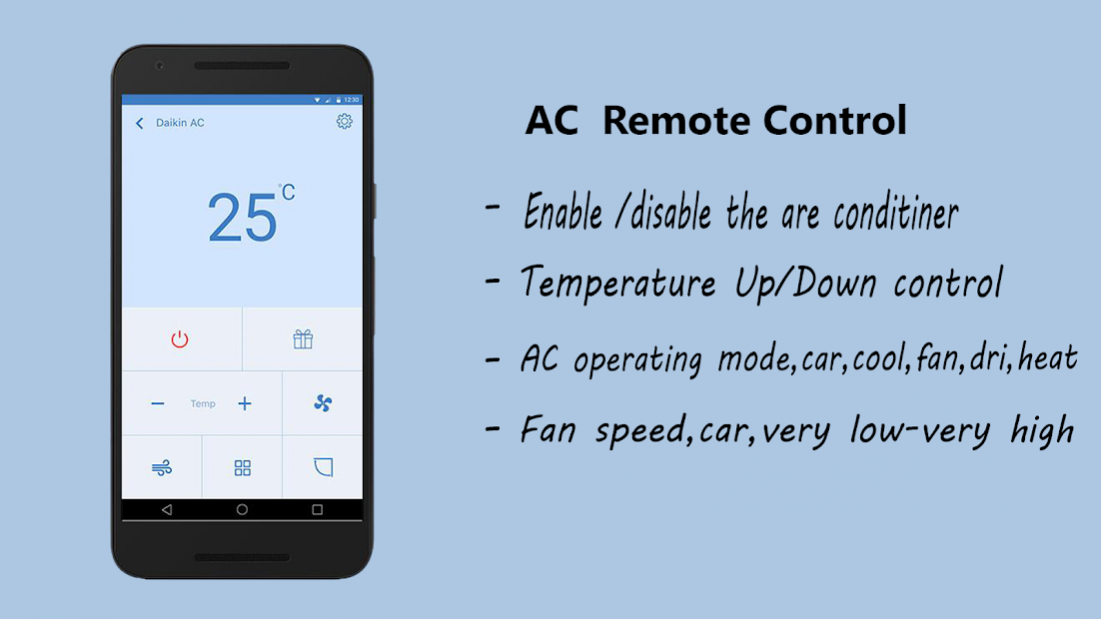

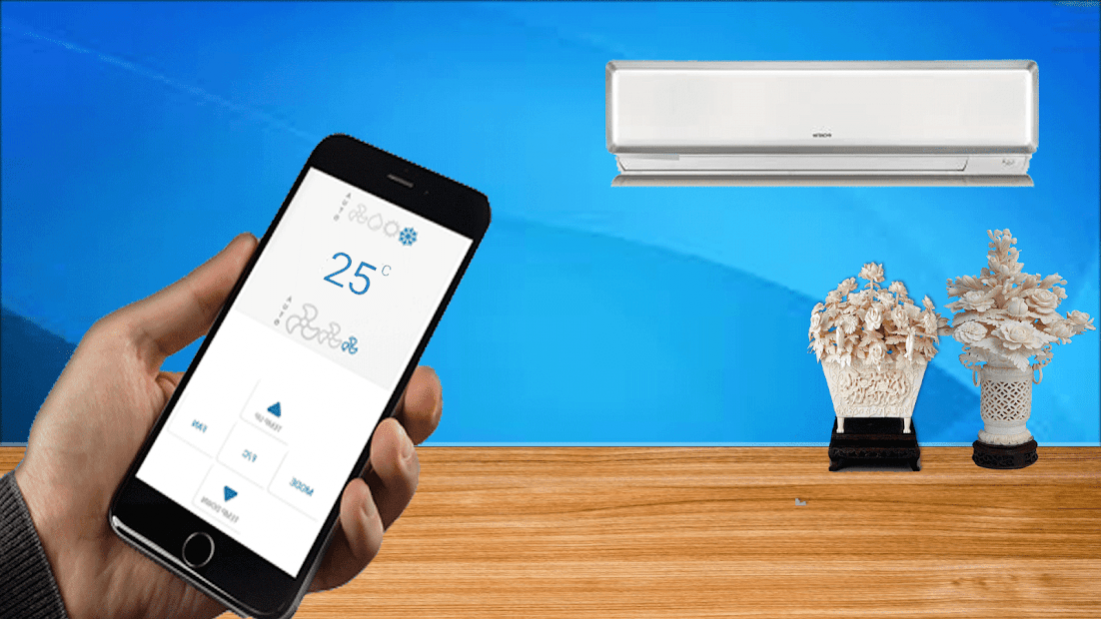
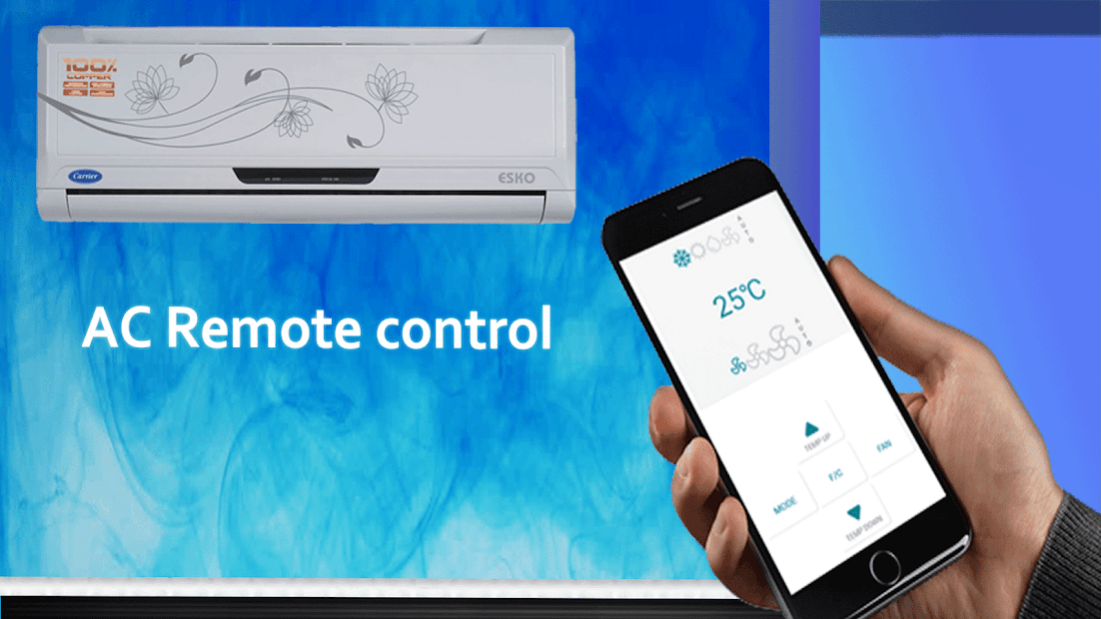
Universal AC Remote Control Mobile free, best smart remote for your air conditioners. One of the best air conditioners never remotely, you can download this application and use your area using your smart phone, you forgot about the old classic remote control forever, transform your smart smart phone at a distance of CA.
This distance is one of distance that universal, we are listed around 100 brands of air conditioners in the world. Check the list and found that your remote control are here or not.
You can control your
Air Conditioner with AC Remote Control
.Whenever you can’t find your remote, ac remote control will be there to help.you can set the temperature and control various air conditioning modes such as auto, cool, heat, fan and dry with this ac remote.
This tool is a
universal remote control
for all ac. Use your Android phone as a AC Remote for your Air conditioner. AC Remote Control Supported all brands (Samsung, Daikin, Panasonic, LG, lloyd or many more).
Universal AC Remote Control Mobile
Free, Best Smart Remote for your Air Conditioners. One of the best remote for the Air conditioners ever ,you can download this app and operate your AC using your smart phone, you can forgot about the old conventional remote forever, turn your smart phone to a smart AC remote.
Amazing feature::
✓ control up to 20 units of air conditioning indoors;
✓ Change AC operating mode; car, cool, fan, dry, heat .
✓ change the fan speed: car, very low - very high .
✓ set room temperature .
✓ seesaw option .
✓ rocking of plasma air cleaning function (availability of the function depends on the indoor unit model) .
✓ enable / disable the air conditioner .
✓ set schedules for all your air conditioners .
✓ the unit error code display .
✓ FQDN (Fully Qualified Domain Name) of support for the parameters remote access.
If you have a AC in your room and you want to turn down the air temperature - you can use this tool to steer the air conditioning. It is a simple remote controller which supports every manufacturer of AC. It quickly connects to your air conditioner and allows you to change the fan power and room temperature.
Supported A/C: Carrier , Consul , Daikin , Electra , Haier , Hisense , Hyundai , Gree , LG , Mitsubishi , Panasonic ,
Samsung , Toshiba , Trane , Voltas , York and many others.
Extra Scanner tool to find your no common A/C .
Supported phones with IR emitter:
Samsung Galaxy S4 , S5 , S6 , Note 3 , 4 .
LG G3 , G4 , G5 and G2 if O.S is 5.0 or higher.
Xiaomi Mi 4 , 5 , Redmi Note 2 , 3 ,
Gionee Marathon M5
Oppo Mirror 5
Lenovo Vibe X3 , Huawei Honor 7
ZTE Grand X Max+ and other with IR ( Infrared emitter ) .
Thank You.
About Universal AC Remote Control Mobile Simulator
Universal AC Remote Control Mobile Simulator is a free app for Android published in the System Maintenance list of apps, part of System Utilities.
The company that develops Universal AC Remote Control Mobile Simulator is Zeflur Infotech. The latest version released by its developer is 1.13.0.
To install Universal AC Remote Control Mobile Simulator on your Android device, just click the green Continue To App button above to start the installation process. The app is listed on our website since 2019-11-28 and was downloaded 0 times. We have already checked if the download link is safe, however for your own protection we recommend that you scan the downloaded app with your antivirus. Your antivirus may detect the Universal AC Remote Control Mobile Simulator as malware as malware if the download link to wd.acremote.prank is broken.
The company that develops Universal AC Remote Control Mobile Simulator is Zeflur Infotech. The latest version released by its developer is 1.13.0.
To install Universal AC Remote Control Mobile Simulator on your Android device, just click the green Continue To App button above to start the installation process. The app is listed on our website since 2019-11-28 and was downloaded 0 times. We have already checked if the download link is safe, however for your own protection we recommend that you scan the downloaded app with your antivirus. Your antivirus may detect the Universal AC Remote Control Mobile Simulator as malware as malware if the download link to wd.acremote.prank is broken.
How to install Universal AC Remote Control Mobile Simulator on your Android device:
- Click on the Continue To App button on our website. This will redirect you to Google Play.
- Once the Universal AC Remote Control Mobile Simulator is shown in the Google Play listing of your Android device, you can start its download and installation. Tap on the Install button located below the search bar and to the right of the app icon.
- A pop-up window with the permissions required by Universal AC Remote Control Mobile Simulator will be shown. Click on Accept to continue the process.
- Universal AC Remote Control Mobile Simulator will be downloaded onto your device, displaying a progress. Once the download completes, the installation will start and you'll get a notification after the installation is finished.
Program Details
System requirements
Operating systems
Android
Download information
File size
8.1 MB
Total downloads
0
Pricing
License model
Free
Price
Version History
Here you can find the changelog of Universal AC Remote Control Mobile Simulator since it was posted on our website on 2021-12-12. The latest version is 1.13.0 and it was updated on Apps112 on 10 October, 2026. See below the changes in each version:
version 1.13.0
posted on 2019-11-28
Disclaimer
Official Google Play Link
We do not host Universal AC Remote Control Mobile Simulator on our servers. We did not scan it for viruses, adware, spyware or other type of malware. This app is hosted by Google and passed their terms and conditions to be listed there. We recommend caution when installing it.
The Google Play link for Universal AC Remote Control Mobile Simulator is provided to you by apps112.com without any warranties, representations or guarantees of any kind, so access it at your own risk.
If you have questions regarding this particular app contact the publisher directly. For questions about the functionalities of apps112.com contact us.
